
Setting Up Combination Conditions
About this task
Procedure
-
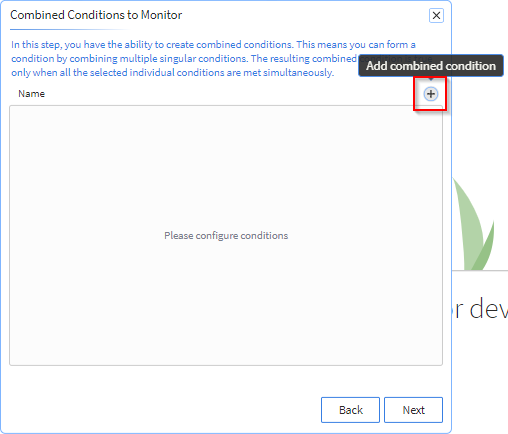
In the Combined Conditions to Monitor panel, select
Add combined condition.
Note: When combining conditions, the resulting combined condition is true only when all selected individual conditions are simultaneously met.
-
In the Configure Combined Condition panel, enter a name
for the combined condition and select two or more conditions. Select
Next.
Note: You can select conditions.Note: The Check-In, Location and Monthly Data watchlist conditions are not available for creating a combined condition.
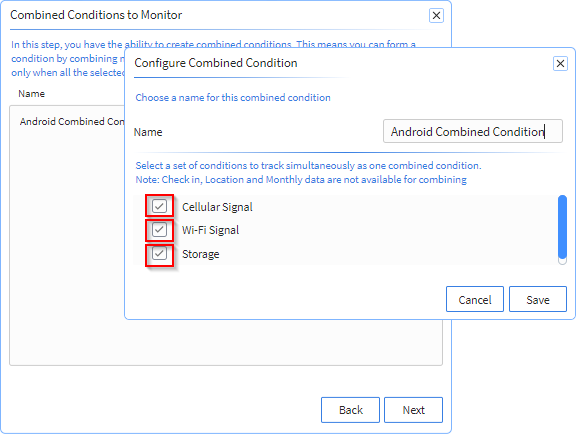
- Select Save.
- Select Next.